Getting Started
New to AgentKanban? Introducing AgentKanban explains what it does and why. This page is the short version: get an account, make a board and a task, then connect your agent.
1. Register or log in
Register at agentkanban.io, or log in if you already have an account. Details of verification, 2FA and passkeys are in Auth Flow.
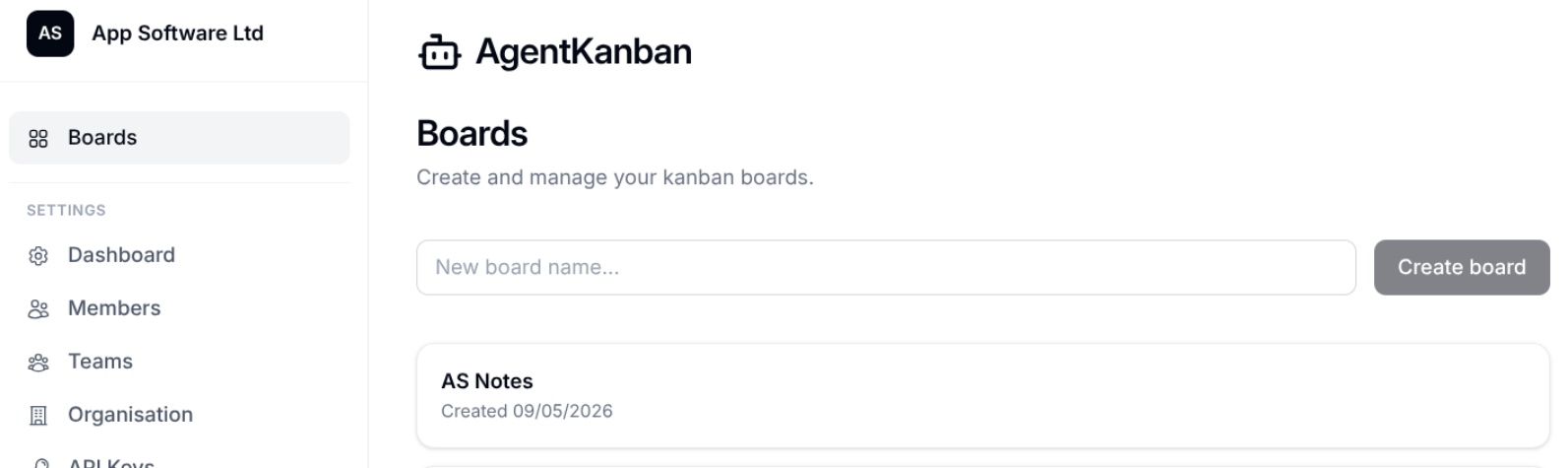
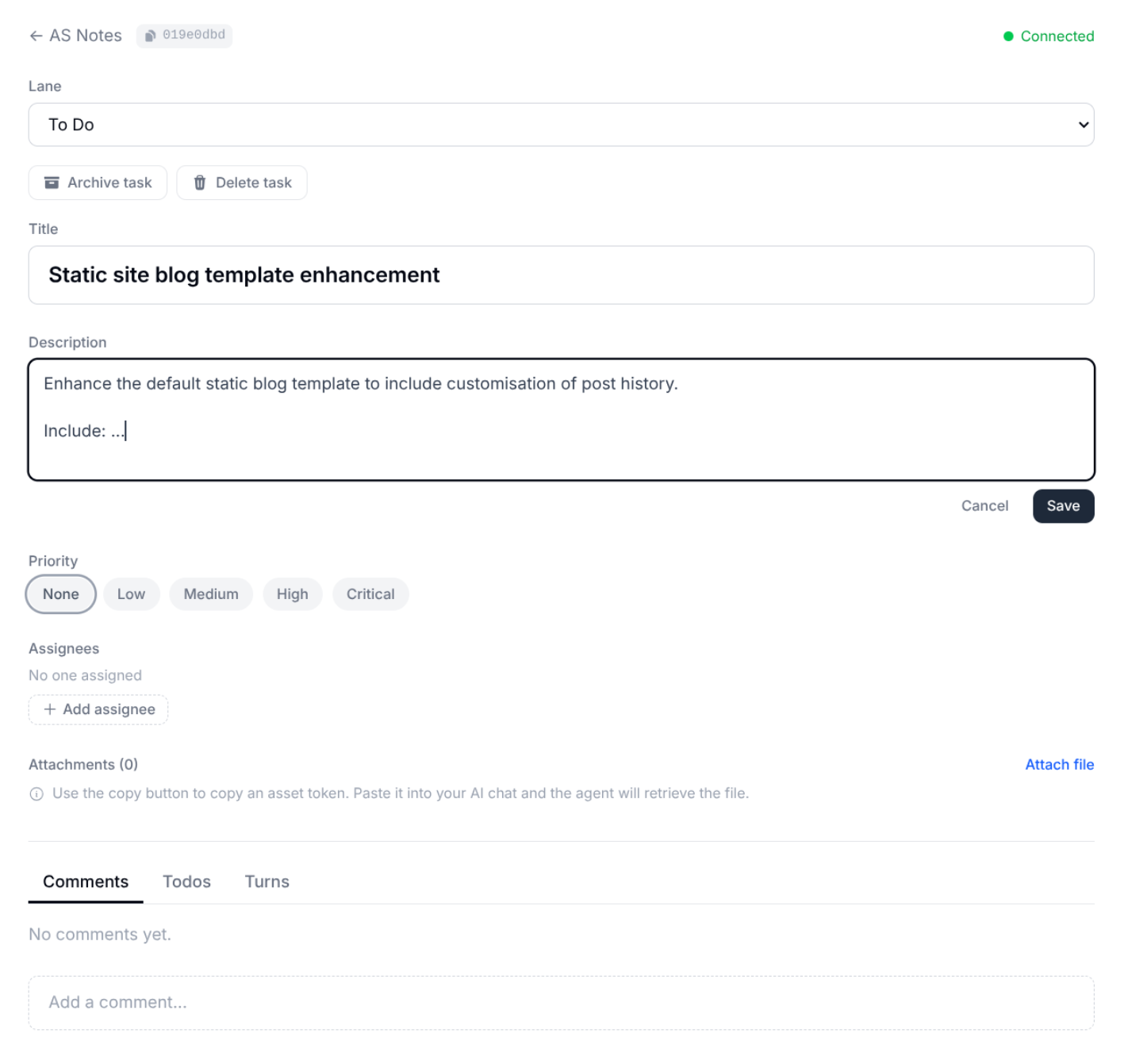
2. Create a board and a task
Create a board for your project and add a task. Put the requirements and anything the agent needs to plan and start the work into the task description - this is what gets loaded into the agent later, so it's worth being clear.
Board creation:
Create task:
3. Write shared agent instructions (optional, but worth it)
Board settings has an Agent Instructions field. Whatever you write there reaches the agent for every task on the board - via AGENTS.md if you use the VS Code extension, or in the first MCP call if you don't. See Board Settings and Agent Instructions.
4. Connect your agent
There are two ways to get an agent working against the board. They use the same API key and the same MCP server, and you can use both.
VS Code extension - the fullest integration. One-click Resume into GitHub Copilot or Claude Code, an AGENTS.md section that tracks the selected task, opt-in capture of your chat turns back to the task, and Git worktrees per task. Start with VS Code Extension.
MCP directly - for Claude Code in a terminal, Codex CLI, Cursor, Claude Desktop or any other MCP client. You give the agent a task ID in the prompt and it fetches everything else from the board itself. No turn capture, but no IDE dependency either. Start with MCP Integration.
Either way you'll need an API key from Settings > API Keys. An All boards, Edit key is the right default for your own agent.
5. Work the task
Once the agent has the task context, the workflow we'd suggest for anything non-trivial is plan, then todos, then implement:
- Have the agent ask its clarifying questions and agree a plan.
- Have it break the plan into todos on the task (it has MCP tools for this).
- Let it implement, ticking todos off as it goes.
Tips and Patterns has more on this, including running several agents on different tasks at once.